.svg)


FaceBook Pixel Tracking
Add a FaceBook tracking pixel to the chat bot


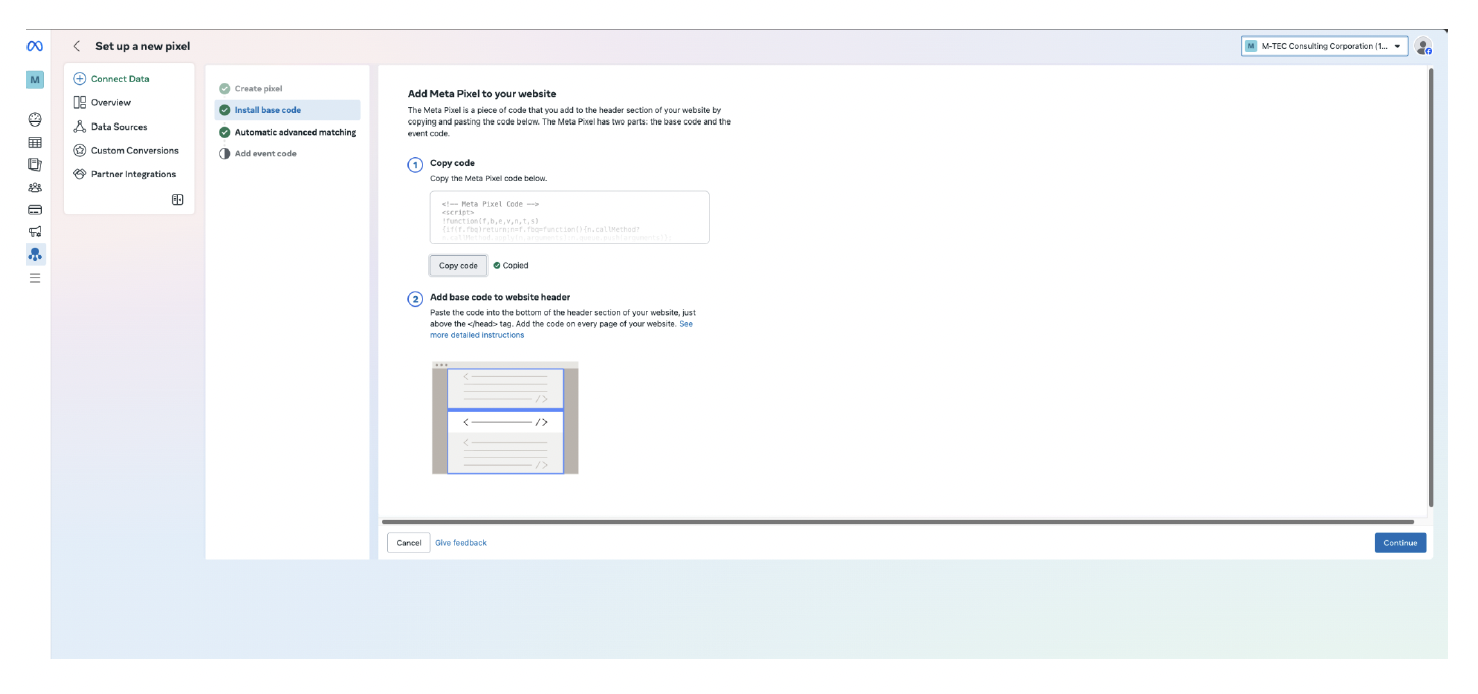
First, install the Script with Meta.
Below is an example of the Intaker script you will need to add:
<script>
var intakerData = {email: null, phone: null };
window.addEventListener("message", function (e) {
if (!e.data) return;
var data = e.data["INTAKER_CHAT_WIDGET"];
if (!data) return;
switch (data.action) {
case "phoneCaptured": {
intakerData.phone = data.payload;
// PASTE YOUR CODE HERE
break;
}
case "emailCaptured": {
intakerData.email = data.payload;
// PASTE YOUR CODE HERE
break;
}
default: {
break;
}
}
</script>
Paste your function into the script as needed. Add your function then replace ‘// PASTE YOUR CODE HERE’ line with the name of the function.
Below is an example of the javaScript you will add:
var intakerData = { email: null, phone: null };
function recordPhoneCapturedEvent() {
if (window.fbq) {
window.fbq('trackCustom', 'phoneCaptured');
}
}
window.addEventListener("message", function (e) {
if (!e.data) return;
var data = e.data["INTAKER_CHAT_WIDGET"];
if (!data) return;
switch (data.action) {
case "phoneCaptured": {
intakerData.phone = data.payload;
// PASTE YOUR CODE HERE
recordPhoneCapturedEvent();
break;
}
case "emailCaptured": {
intakerData.email = data.payload;
// PASTE YOUR CODE HERE
break;
}
default: { break; }
}
});
console.log('fb events script is loaded.');
Intaker will post the following chat events (action):
1. appLoaded
2. chatStarted
3. promptSelected
4. close
5. chatReset
6. phoneCaptured
7. emailCaptured
8. chatCompleted
The following are widget events that work without the Intaker script.
1. TextUsClicked
2. CallNowClicked
3. RequestACallBackOpened
4. CallBackRequest
5. PopUpRejected
6. PopUpApproved
7. WidgetClose
8. WidgetOpen
You can learn more about FaceBook Pixel tracking and conversion from the following site on Meta:
https://developers.facebook.com/docs/meta-pixel/implementation/conversion-tracking/
